Skip to content
Microsoft Excel for Data Analytics cover image

Microsoft Excel for Data Analytics
Janets

CPD Certified | FREE PDF Certificate | 10 CPD Points | 24/7 Tutor Support | Lifetime Access

Summary

Price
£19 inc VAT
Study method
Online
Course format
Reading material - slides
Duration
3 hours · Self-paced
Access to content
Lifetime access
Qualification
No formal qualification
CPD
10 CPD hours / points
Certificates
  • CPD Accredited PDF Certificate - Free
  • CPD Accredited Hardcopy Certificate - £15.99
Additional info
  • Tutor is available to students

202 students purchased this course

Add to basket or enquire

Buy with Apple Pay
Buy with Google Pay

Overview

Microsoft Excel is the most versatile and user-friendly tool for working with data—whether it’s for business, marketing, data analysis, or research. Data analysis with Microsoft Excel may help marketers come up with solutions for important marketing decisions, including pricing, ad spending, shelf space allocation, and consumer behaviour.

This Microsoft Excel for Data Analytics course is suitable for students who wish to use Microsoft Excel for data analysis in their respective fields, as well as those who want to pursue a career in data analysis or data science.

The power of Microsoft Excel in data analysis is invaluable, and by taking this Microsoft Excel for Data Analytics course, you’ll gain insight and working knowledge of using Microsoft Excel spreadsheets for Data Analysis.

Learning Outcomes:

  • Grasp the foundational concepts of data, its types, and its lifecycle within various ecosystems.
  • Differentiate between data analytics, data analysis, data science, and business intelligence.
  • Explore the diverse applications of data analysis across industries.
  • Master the art of data cleaning, sorting, filtering, and lookup functions in Microsoft Excel.
  • Visualise data through compelling charts and graphs, translating numbers into compelling narratives.
  • Interpret descriptive statistics to uncover hidden patterns and trends.
  • Cultivate a blend of technical and business acumen essential for data-driven decision-making.

What You Get Out Of Studying Microsoft Excel for Data Analytics With Janets

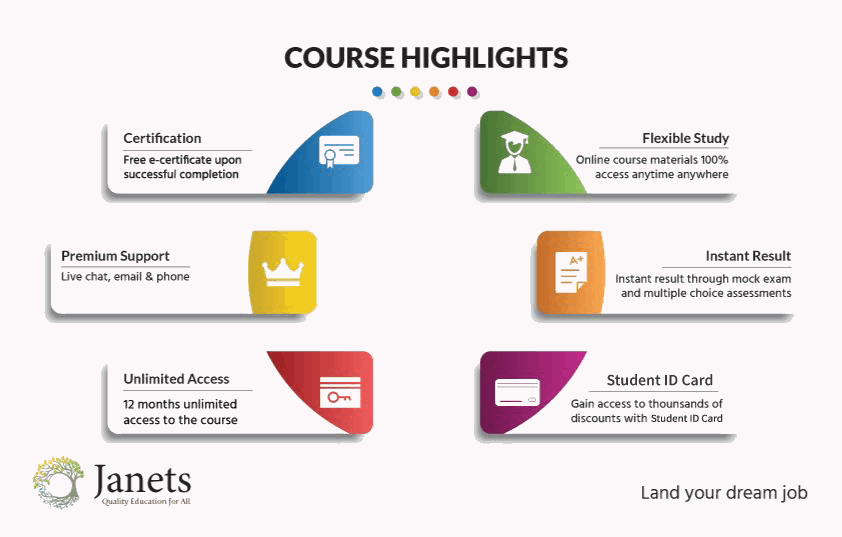
  • Free PDF certificate upon successful completion of the Microsoft Excel for Data Analytics course
  • Full one-year access to Microsoft Excel for Data Analytics Course materials
  • Instant assessment results with the Microsoft Excel for Data Analytics course
  • Full tutor support is available from Monday to Friday with the Microsoft Excel for Data Analytics course.
  • Study the Microsoft Excel for Data Analytics course at your own pace
  • Benefit from instant feedback through mock exams and multiple-choice assessments
  • Accessible, informative modules taught by expert instructors
  • Get 24/7 help or advice from our email and live chat teams with the Microsoft Excel for Data Analytics course
  • Study the Microsoft Excel for Data Analytics course in your own time through your computer, tablet or mobile device
  • Improve your chance of gaining professional skills and better earning potential by completing the Microsoft Excel for Data Analytics course

Certificates

CPD Accredited PDF Certificate

Digital certificate - Included

CPD Accredited Hardcopy Certificate

Hard copy certificate - £15.99

A physical, high-quality copy of your certificate will be printed and mailed to you for only £15.99. For students within the United Kingdom, there will be no additional charge for postage and packaging. For students outside the United Kingdom, there will be an additional £10 fee for international shipping.

CPD

10 CPD hours / points
Accredited by CPD Quality Standards

Course media

Description

Embark on a transformative journey through the realm of data analytics, armed with Microsoft Excel as your formidable ally. Delve into the intricacies of data types, formats, and lifecycles while exploring the intricate connections between data analytics, data science, and business intelligence. Unlock Microsoft Excel's potential as a powerful tool for data manipulation, cleaning, sorting, filtering, and visualisation.

From the fundamentals of data types and formats to the advanced realms of data analytics and business intelligence, you'll acquire a comprehensive skill set that transcends mere number-crunching. Prepare to delve into the world of sorting, filtering, and data cleaning, harnessing Microsoft Excel's prowess to transform raw information into polished gems of knowledge.

Course Modules

Microsoft Excel for Data Analytics

Module 01: Introduction to the World of Data

  • What is Data
  • Various Data Type
  • Data Ecosystem & Lifecycle
  • Data Analytics, Data Analysis, and Data Analyst
  • Data Science
  • Business Intelligence
  • Big Data
  • Data Processing Tools
  • Data Formats

Module 02: Basics of Data Analytics

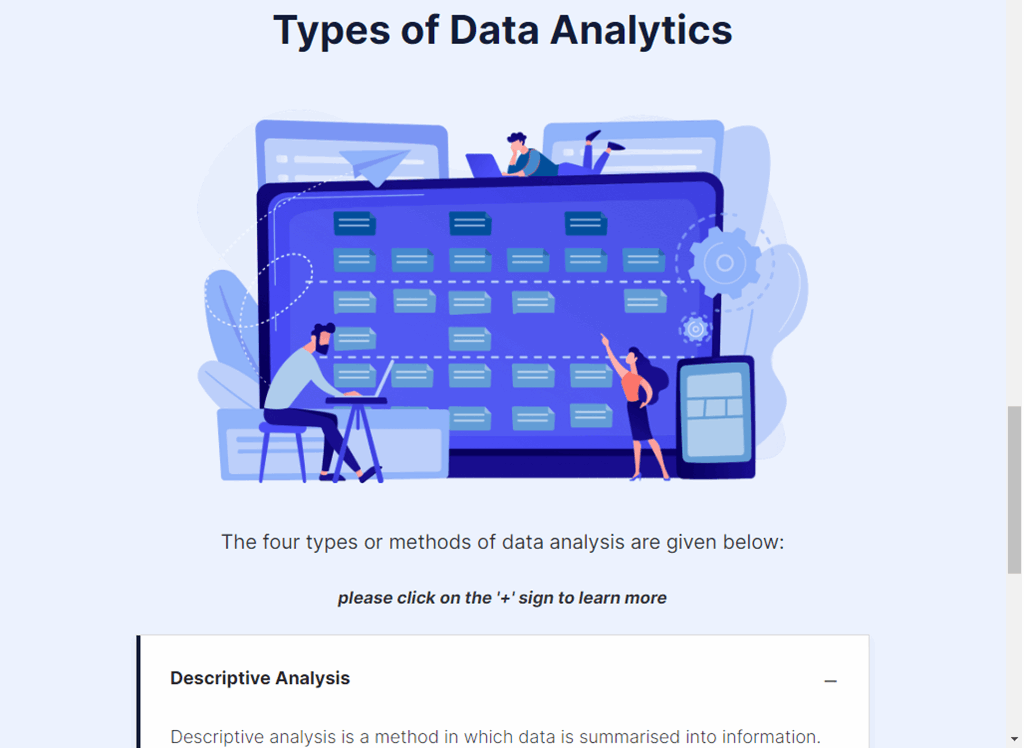
  • Types of Data Analytics
  • Characteristics
  • Why Use Data Analysis?
  • Language for Data Professionals
  • Skills for a Data Analyst
  • Technical and Business Skills

Module 03: Excel for Data Analytics

  • Excel for Data Analysis
  • Microsoft Excel
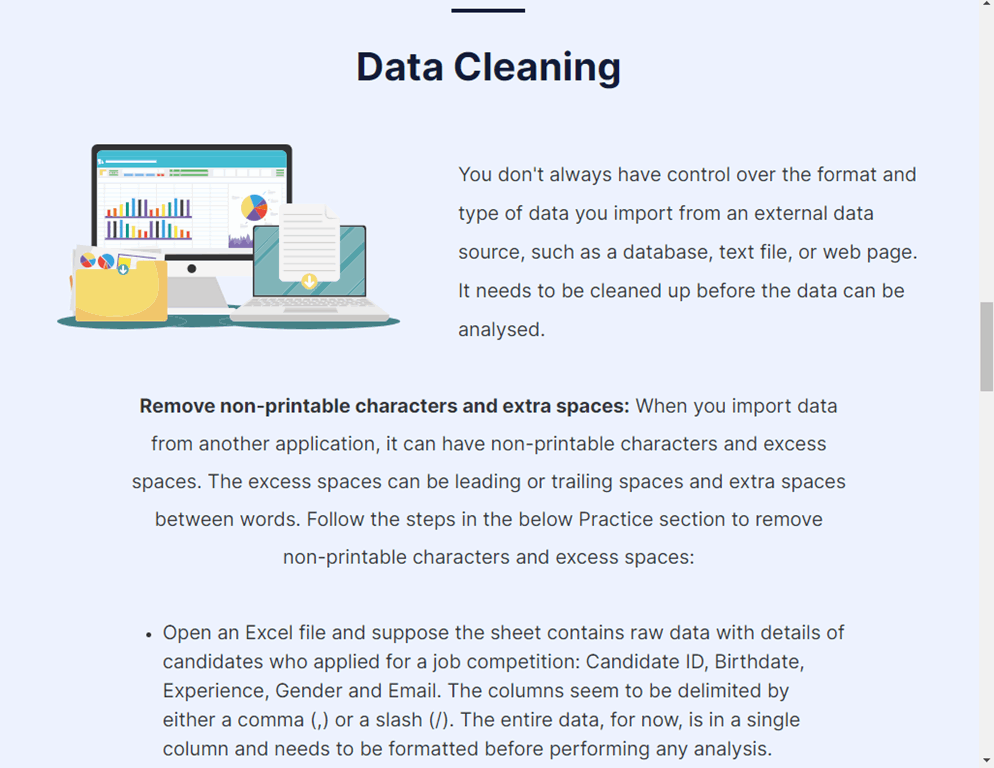
  • Data Cleaning
  • Sorting Data
  • Filtering Data
  • Lookup Function
  • Creating Chart
  • Descriptive Statistics

Certification

All students who successfully complete the Microsoft Excel for Data Analysis Training can instantly download their free e-certificate. You can also purchase a hard copy of the course certificate, which will be delivered by post for £15.99.

Who is this course for?

This Microsoft Excel for Data Analytics course is suitable for:

  • Aspiring data analysts seeking to enhance their Microsoft Excel proficiency.
  • Professionals aiming to leverage data-driven insights for informed decision-making.
  • Entrepreneurs looking to gain a competitive edge through data-backed strategies.
  • Students pursuing degrees in business, finance, or data-related fields.
  • Individuals with a passion for uncovering the stories hidden within numerical datasets.

Requirements

The Microsoft Excel for Data Analytics Training is open to all students and has no formal entry requirements. To study the Microsoft Excel for Data Analytics course, all you need is a passion for learning and a good understanding of English, numeracy, and IT skills. You must also be over the age of 16.

Career path

After completing this Microsoft Excel for Data Analytics course, you can pursue the following career pathways:

  • Data Analyst: £30,000 - £45,000 per year
  • Business Analyst: £35,000 - £50,000 per year
  • Financial Analyst: £40,000 - £60,000 per year
  • Marketing Analyst: £28,000 - £45,000 per year
  • Operations Analyst: £30,000 - £48,000 per year
  • Business Intelligence Analyst: £35,000 - £55,000 per year

Questions and answers

Currently there are no Q&As for this course. Be the first to ask a question.

Reviews

Currently there are no reviews for this course. Be the first to leave a review.

FAQs

Interest free credit agreements provided by Zopa Bank Limited trading as DivideBuy are not regulated by the Financial Conduct Authority and do not fall under the jurisdiction of the Financial Ombudsman Service. Zopa Bank Limited trading as DivideBuy is authorised by the Prudential Regulation Authority and regulated by the Financial Conduct Authority and the Prudential Regulation Authority, and entered on the Financial Services Register (800542). Zopa Bank Limited (10627575) is incorporated in England & Wales and has its registered office at: 1st Floor, Cottons Centre, Tooley Street, London, SE1 2QG. VAT Number 281765280. DivideBuy's trading address is First Floor, Brunswick Court, Brunswick Street, Newcastle-under-Lyme, ST5 1HH. © Zopa Bank Limited 2026. All rights reserved.