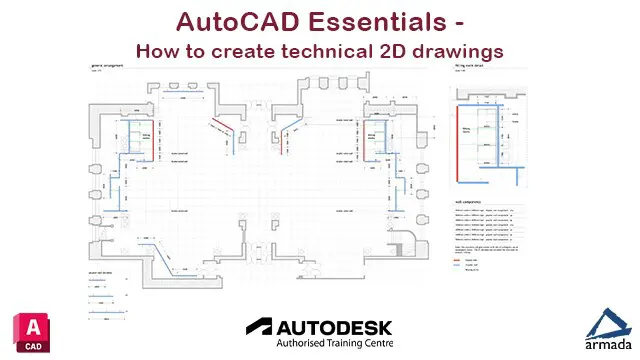
AutoCAD Essentials - Autodesk accredited - Live online training
AutoCAD training for beginners, teaching key skills for creating 2D drawings, plans & designs. Learn with a live trainer
Summary
Payment by bank transfer or card.
We accept purchase orders from UK-registered companies and public...
- Certificate of completion - Free
- Tutor is available to students
Add to basket or enquire
Dates
Overview
Learn to create high quality, accurate 2D drawings in AutoCAD on this live online AutoCAD course. When you attend live online training with Armada, you’re participating in a real course, hosted by a real trainer, in real time.
This course has been developed by CAD professionals to teach you in the most efficient way. It has been attended by many hundreds of delegates over 20 years and is designed for new users, or those with limited knowledge of AutoCAD.
Armada is a long-standing Autodesk-authorised Training Centre, and this is an accredited AutoCAD course. Our trainers are Autodesk Certified Instructors, with vast experience of using AutoCAD professionally.
Training is highly practical, combining lecture, demonstration and assisted practice.
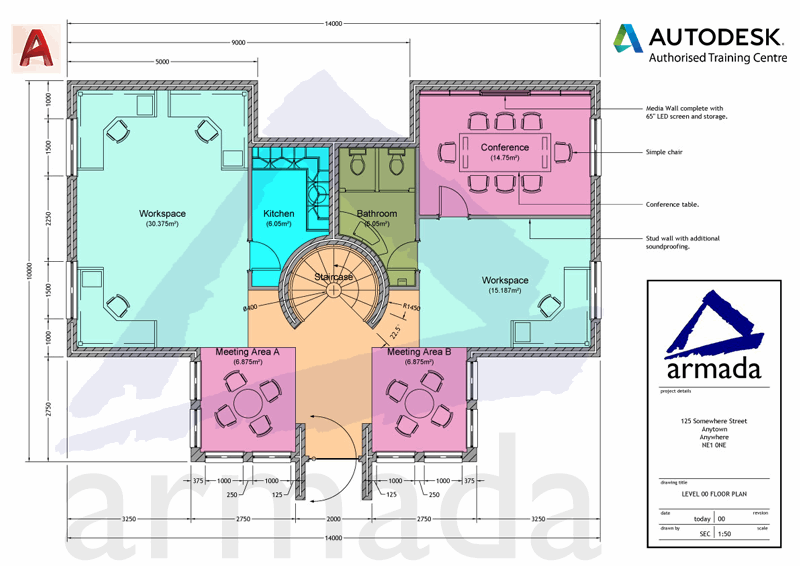
The drawing techniques taught are generic, relevant to all industries. You will be able to apply them to whatever you’re going to be doing in the application. Our trainers use exercises from a variety of disciplines.
Our approach to live online training
You participate in the same course as in-class delegates, and we do everything possible to make your experience as close as possible to actually being in the classroom…
- Your course is Autodesk-accredited, hosted by an Autodesk Certified Instructor (ACI) with vast experience of using AutoCAD professionally.
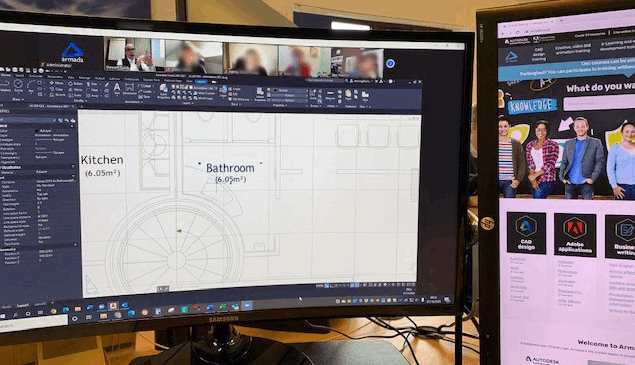
- You can see and hear our trainer, the other delegates and our trainer’s screen.
- Our trainer and the other delegates can see you (via your webcam) and hear you.
- We’ll post you a printed AutoCAD Essentials training guide, and make the course files and resources available for you to download.
- Your training is hands-on: you’ll practice and carry out exercises throughout.
- If you don’t have a current subscription to AutoCAD, you’re entitled to a free trial that’s ideal for participating in training. We’ll send you a link to this. If you’ve already used your trial, we can lend you a license for the duration of your course.
- If you need assistance, you can share your screen with our trainer, and pass control to
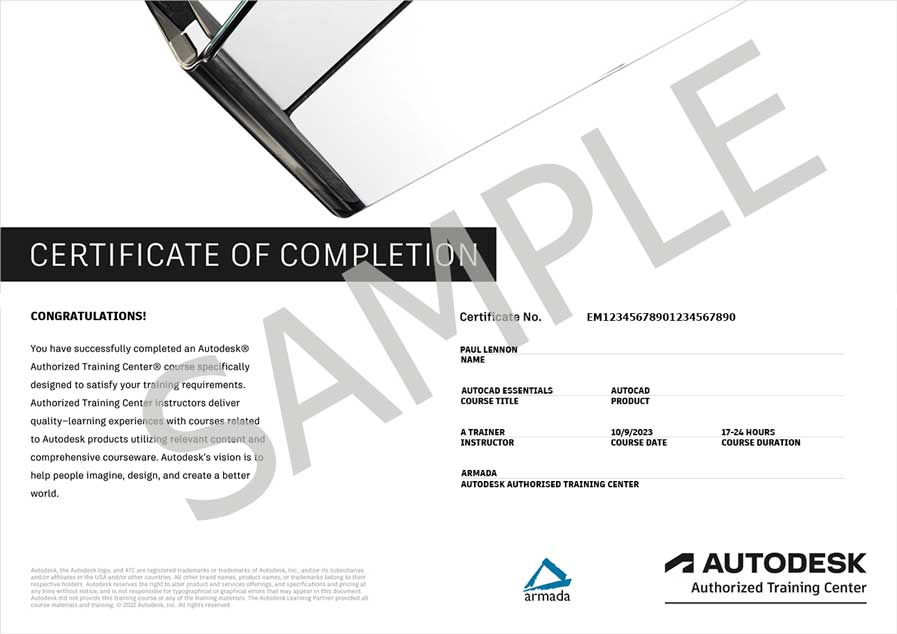
- You’ll receive an e-certificate confirming successful completion of an Autodesk-accredited AutoCAD course.
- You’re entitled to 30 days’ email support from your trainer.
We also offer this course with in-class attendance at our centres in Bromsgrove (Birmingham), Bristol, Cardiff, Manchester, Milton Keynes, Nottingham, Sheffield, and Reading.
Certification
Autodesk Certificate of Completion

Certificates
Certificate of completion
Digital certificate - Included
Delegates receive an e-certificate from Autodesk confirming successful completion of an accredited AutoCAD course.
Course media

Resources
- Course outline -
Description
This 3-day course covers the following syllabus:
The AutoCAD interface
- Features of the ribbon
- The Application menu
- The Quick Access toolbar
- The command line
- Keyboard shortcuts
- Creating basic drawings
Creating basic objects
- Working with lines
- Working with arcs
- Working with polylines
- Using grips
- Using object snaps
- Using object snap tracking
- Using polar tracking
Saving your work
- Auto-backups
- Other file formats, DXF, etc.
- Disaster recovery
Accurate object creation
- Working with units
- Dynamic input
- Using Inquiry commands
- Using measurement tools to find length, area, etc.
Object viewing
- Zooming techniques
- Panning techniques
Manipulating objects
- Selecting objects in the drawing
- Noun/verb selection
- Using Quick Select
- Moving objects
- Copying objects
- Rotating objects
- Mirroring objects
- Arraying objects
- Scaling objects
Altering objects
- Trimming and extending objects to defined boundaries
- Creating parallel and offset geometry
- Joining objects
- Filleting corners between two objects
- Chamfering corners between two objects
- Stretching objects
Drawing organisation
- Using layers
- Changing object properties
- Matching object properties
- Using the properties palette
- Using linetypes
Working with layouts
- Using page setups
- Using layouts
- Scaling drawing views
Annotating the drawing
- Creating multiline text
- Creating single line text
- Using text styles
- Editing text
Dimensioning
- Creating dimensions
- Using dimension styles
- Editing dimensions
- Using multileaders
Hatching objects
- Hatching objects
- Editing hatch objects
Working with reusable content
- Creating and inserting blocks and symbols
- Editing blocks and symbols
- Using tool palettes
- Working with groups
Layouts and paper space
- Understanding model space and paper space
- Creating layouts
- Creating and using viewports
- Setting viewport scales
Plotting your drawings
- Plotting drawings
- PDF output
- Multiple sheet drawings
- Using Plotstyles
Drawing templates
- Creating drawing templates
- Using drawing templates
One AutoCAD
- AutoCAD toolsets
- AutoCAD web app
- AutoCAD mobile app
Who is this course for?
This course is ideal for:
- Newcomers to AutoCAD and CAD drawing.
- Users with a small amount of AutoCAD experience.
- Users who have previously used a different CAD tool and are switching to AutoCAD.
- People who want to learn AutoCAD without having to travel to a training centre.
Requirements
Delegates should have a good working knowledge of Windows and need access to a Windows PC to use throughout the training. Please contact us if you are planning on using a Mac as our AutoCAD for Mac course is the most suitable for you.
If AutoCAD is not installed on your computer, Armada can provide you with details of trial software to download and use throughout the course.
A stable internet connection and a Webcam are essential.
No prior CAD knowledge is necessary.
Career path
AutoCAD is used widely in many industries, including Architectural, Engineering, Construction and Design. Potentials career paths include: becoming an architect, interior designer, engineer, product designer or graphic designer.
Depending on the specific role and experience, salaries start at £25k and can rise to £60k+.
Questions and answers
Reviews
Currently there are no reviews for this course. Be the first to leave a review.
Provider
Armada has been hosting training courses for professionals for over 10 years. We specialise in:
- Adobe Creative Cloud, e-Learning, Technical Communication and web development applications.
- Users of AutoCAD, Revit, SketchUp and other CAD design products.
- Technical authoring.
Armada is an Autodesk Training Centre (ATC) and was also a long-standing Adobe Authorised Training Centre (AATC) until the programme was ended in 2023. Our technical authoring courses are accredited by organisations including the ISTC and MadCap. These accreditations ensure a high standard of training and facilities.
Add to basket or enquire
Legal information
This course is advertised on Reed.co.uk by the Course Provider, whose terms and conditions apply. Purchases are made directly from the Course Provider, and as such, content and materials are supplied by the Course Provider directly. Reed is acting as agent and not reseller in relation to this course. Reed's only responsibility is to facilitate your payment for the course. It is your responsibility to review and agree to the Course Provider's terms and conditions and satisfy yourself as to the suitability of the course you intend to purchase. Reed will not have any responsibility for the content of the course and/or associated materials.
