
Touch Typing Masterclass
Academy for Health & Fitness
QLS Endorsed Certificate & CPD Accredited! 40 CPD Point| 21 Video Lessons| Free ID Card & Assessment| 24/7 Tutor Support
Summary
- CPDQS Accredited Certificate - £10
- Certificate in Touch Typing Masterclass at QLS Level 1 - £59
- Assessment (included in price)
- Tutor is available to students
Add to basket or enquire
Overview
Achievement
Certificates
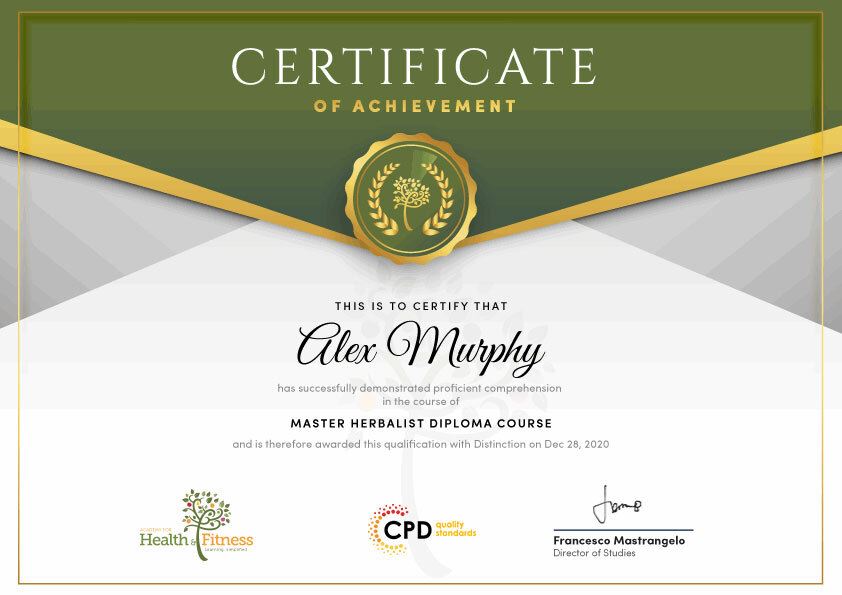
CPDQS Accredited Certificate
Digital certificate - £10
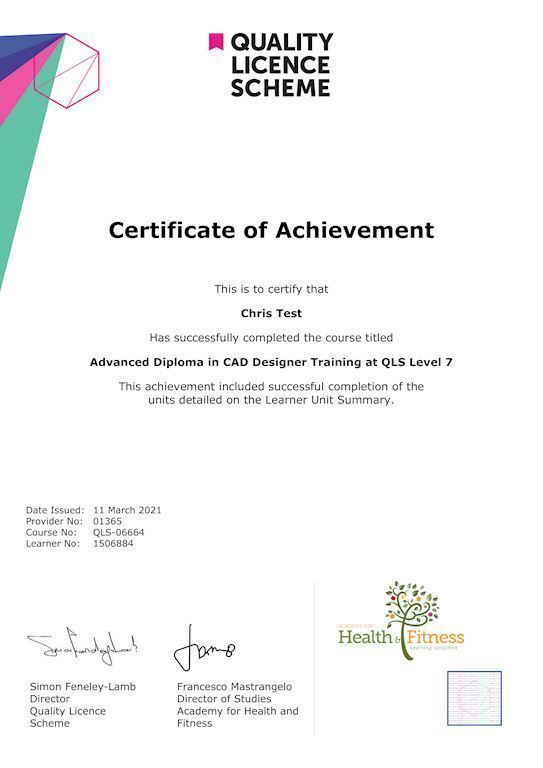
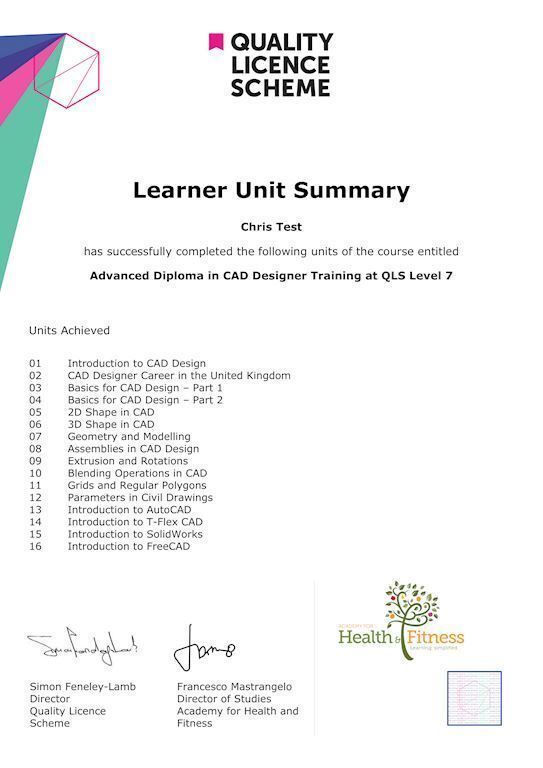
Certificate in Touch Typing Masterclass at QLS Level 1
Hard copy certificate - £59
Show off Your New Skills with a Certification of Completion
After successfully completing the Certificate in Touch Typing Masterclass at QLS Level 1, you can order an original hardcopy certificate of achievement endorsed by the Quality Licence Scheme. The certificate will be home-delivered, with a pricing scheme of —
- 59 GBP inside the UK
- 69 GBP (including postal fees) for international delivery
CPDQS Accredited Certificate
- 29 GBP for Printed Hardcopy Certificate inside the UK
- 39 GBP for Printed Hardcopy Certificate outside the UK (international delivery)
Assessment details
Assessment
Included in course price
CPD
Course media

Description
Take a step toward a brighter future!
Why Prefer this Touch Typing Masterclass Course?
- Opportunity to earn a certificate endorsed by the Quality Licence Scheme and another certificate accredited by CPDQS
- Get a free student ID card! (£10 postal charge will be applicable for international delivery)
- Innovative and engaging content.
- Free assessments
- 24/7 tutor support.
*** Course Curriculum ***
Here is the curriculum breakdown of this course:
*** Touch Typing Masterclass - Updated Version ***
- Module 1: Introduction
- Module 2: How to Set up Your Computer
- Module 3: How to type the letters F and J
- Module 4: How to type the letters D and K
- Module 5: How to type the letters S and L
- Module 6: How to type the letter A and ; (semicolon)
- Module 7: How to type the letters E and I
- Module 8: How to type the letters R and U
- Module 9: How to type the letters T and O
- Module 10: How to type CAPITAL letters
- Module 11: How to type the letter C and, (Comma)
- Module 12: How to type the letters G and H
- Module 13: How to type the letters N and V
- Module 14: How to type the letters W and M
- Module 15: How to type the letters Q and P
- Module 16: How to type the letters B and Y
- Module 17: How to type the letters Z and X
- Module 18: How to type Colon and Semicolon
- Module 19: How to type Full Stop and Comma
- Module 20: How to type Question Mark and Exclamation Mark
- Module 21: How to type Dash, Parentheses and Quotation Marks
*** Touch Typing Masterclass - Old Version ***
- Module 1: Getting Started
- Module 2: DRILL 1 the home keys
- Module 3: DRILL 2 e and i, g and h
- Module 4: DRILL 3 o and n, shift keys and t
- Module 5: DRILL 4 extra practice . and y
- Module 6: DRILL 5, and w
- Module 7: DRILL 6 m and u
- Module 8: DRILL 7 v and x
- Module 9: DRILL 8-sentence drills
- Module 10: DRILL 9 figures
- Module 11: DRILL 10 alphabetical paragraphs
- Module 12: Recap
Assessment Process
After completing an online course module, you will be given immediate access to a specially designed MCQ test. The results will be immediately analysed, and the score will be shown for your review. The passing score for each test will be set at 60%.
After passing the Certificate in Touch Typing Masterclass exam, you will be able to request a certificate at an additional cost that has been endorsed by the Quality Licence Scheme.
Who is this course for?
In the present era, typing is an essential skill for anyone who sees themselves working with a computer. Besides, this touch typing masterclass course is preferable for students, programmers, content writers, bloggers, researchers, and data entry operators. The touch typing masterclass course doesn’t require any academic background and is open to everyone.
HOW TO USE RESOURCES:
To use the resources, just download them and open them using a browser. You can use Google Chrome to open them, but Safari or any other browser can also be used. Just make sure to enable javascript in the browsers for the automatic correction/ highlights.
Requirements
You will not need any prior background or expertise to enrol in this course.
Career path
Enroling on this Touch Typing Masterclass can lead to the following career paths:
- Data Entry Operator
- Customer Service Executives
- Email Marketing Executives
- Personal Assistant
- Administrative Executive
And many more office job roles requiring you to type fast!
Questions and answers
Currently there are no Q&As for this course. Be the first to ask a question.
Reviews
Currently there are no reviews for this course. Be the first to leave a review.

Add to basket or enquire
Course provided by


Legal information
This course is advertised on Reed.co.uk by the Course Provider, whose terms and conditions apply. Purchases are made directly from the Course Provider, and as such, content and materials are supplied by the Course Provider directly. Reed is acting as agent and not reseller in relation to this course. Reed's only responsibility is to facilitate your payment for the course. It is your responsibility to review and agree to the Course Provider's terms and conditions and satisfy yourself as to the suitability of the course you intend to purchase. Reed will not have any responsibility for the content of the course and/or associated materials.
