Microsoft Office 2016 Excel Complete Video Course - Beginner, Intermediate & Advanced
John Academy
Summary
Overview
CPD
Course media
Description
Why choose us?
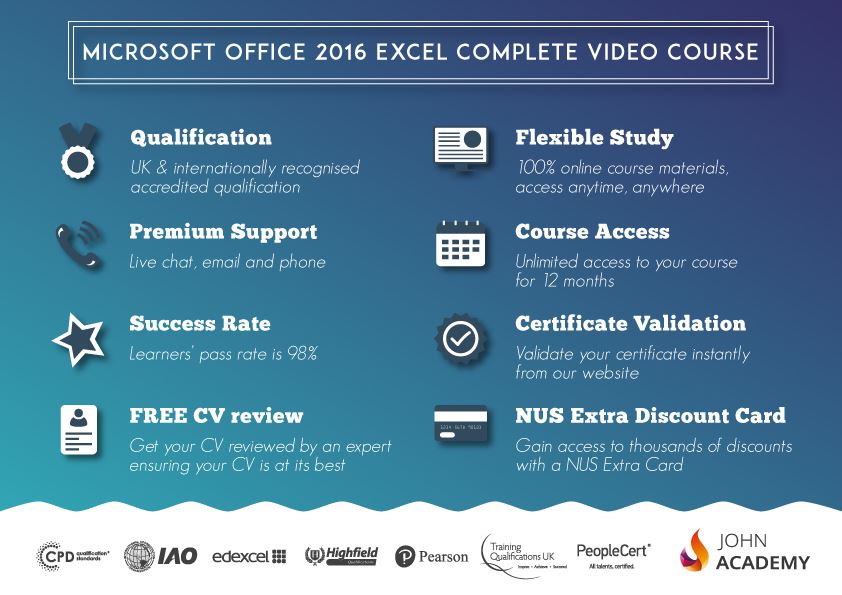
- Study in a user-friendly, advanced online learning platform;
- All the study materials are available on your student portal including videos tutorials.
- One of the most successful online education platforms in the UK.
- Affordable, engaging & high-quality e-learning study materials;
- You will have unlimited access to online learning platform in 24 hours a day, 7 days a week in 12 Months.
- Efficient exam systems for the assessment and instant result;
- The UK & internationally recognised accredited qualification;
- Access to course content on mobile, tablet or desktop from anywhere anytime;
- The benefit of applying for NUS Extra Discount Card;
- 24/7 student support.
- Technical support and live chat service for your inquiries. This is very helpful for international learners.
- Excellent and flexible mentor supports our team of experienced tutors/trainers via email.
COURSE CURRICULUM
Getting Started with Microsoft Office Excel 2016
- Navigate the Excel User Interface
- Use Excel Commands
- Create and Save a Basic Workbook
- Enter Cell Data
- Use Excel Help
Performing Calculations
- Create Worksheet Formulas
- Insert Functions
- Reuse Formulas and Functions
Modifying a Worksheet
- Insert, Delete, and Adjust Cells, Columns, and Rows
- Search for and Replace Data
- Use Proofing and Research Tools
Formatting a Worksheet
- Apply Text Formats
- Apply Number Formats
- Align Cell Contents
- Apply Styles and Themes
- Apply Basic Conditional Formatting
- Create and Use Templates
Printing Workbooks
- Preview and Print a Workbook
- Set Up the Page Layout
- Configure Headers and Footers
Managing Workbooks
- Manage Worksheets
- Manage Workbook and Worksheet Views
- Manage Workbook Properties
Working with Functions
- Work with Ranges
- Use Specialized Functions
- Work with Logical Functions
- Work with Date & Time Functions
- Work with Text Functions
Working with Lists
- Sort Data
- Filter Data
- Query Data with Database Functions
- Outline and Subtotal Data
Analyzing Data
- Create and Modify Tables
- Apply Intermediate Conditional Formatting
- Apply Advanced Conditional Formatting
Visualizing Data with Charts
- Create Charts
- Modify and Format Charts
- Use Advanced Chart Features
Using PivotTables and PivotCharts
- Create a PivotTable
- Analyze PivotTable Data
- Present Data with PivotCharts
- Filter Data by Using Timelines and Slicers
Working with Multiple Worksheets and Workbooks
- Use Links and External References
- Use 3-D References
- Consolidate Data
Using Lookup Functions and Formula Auditing
- Use Lookup Functions
- Trace Cells
- Watch and Evaluate Formulas
Sharing and Protecting Workbooks
- Collaborate on a Workbook
- Protect Worksheets and Workbooks
Automating Workbook Functionality
- Apply Data Validation
- Search for Invalid Data and Formulas with Errors
- Work with Macros
Creating Sparklines and Mapping Data
- Create Sparklines
- MapData
Forecasting Data
- Determine Potential Outcomes Using Data Tables
- Determine Potential Outcomes Using Scenarios
- Use the Goal Seek Feature
- Forecasting Data Trends
John Academy: A Great Place to Learn for Everyone, Forever
Expert Authors: We select authors with expertise and experience of training professionals. Our authors are industry experts, academics, authors, face-to-face trainers or online trainers; most often they have a combination of these backgrounds
Engaging Content: Our succinct, bite-sized and business-focussed course materials are designed to deliver the most effective training for you. Each course is made up of modules, manageable learning chunks of text, images, videos and tasks.
Assessment and Certification:
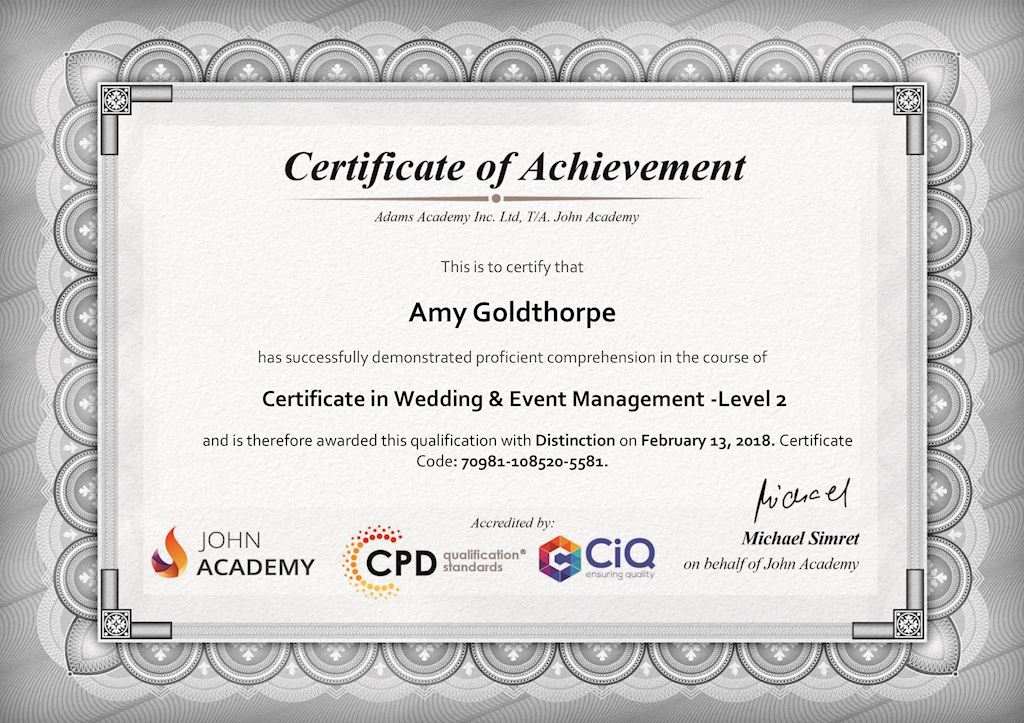
Upon completion of the course, you will be required to sit an online multiple-choice test. Your test will be assessed automatically and the results will be given to you immediately. Before sitting your final exam you will have the opportunity to test your proficiency with a mock exam. After you have successfully passed the final exam, you will be able to order an Accredited Certificate of Achievement at an additional cost of £24 for a PDF copy and £39 for an original print copy sent to you by post.
Who is this course for?
Microsoft Office 2016 Excel Complete Video Course – Beginner, Intermediate & Advanced is certified by CPD Qualifications Standards and IAO. This makes it perfect for anyone trying to learn potential professional skills.
As there is no experience and qualification required for this course, it is available for all students from any academic background.
Requirements
Our Microsoft Office 2016 Excel Complete Video Course – Beginner, Intermediate & Advanced is fully compatible with any kind of device. Whether you are using Windows computer, Mac, smartphones or tablets, you will get the same experience while learning. Besides that, you will be able to access the course with any kind of internet connection from anywhere at any time without any kind of limitation.
Career path
After completing this course you will be able to build up accurate knowledge and skills with proper confidence to enrich yourself and brighten up your career in the relevant job market.
Questions and answers
Reviews
Currently there are no reviews for this course. Be the first to leave a review.
Sidebar navigation
Legal information
This course is advertised on Reed.co.uk by the Course Provider, whose terms and conditions apply. Purchases are made directly from the Course Provider, and as such, content and materials are supplied by the Course Provider directly. Reed is acting as agent and not reseller in relation to this course. Reed's only responsibility is to facilitate your payment for the course. It is your responsibility to review and agree to the Course Provider's terms and conditions and satisfy yourself as to the suitability of the course you intend to purchase. Reed will not have any responsibility for the content of the course and/or associated materials.
FAQs
Interest free credit agreements provided by Zopa Bank Limited trading as DivideBuy are not regulated by the Financial Conduct Authority and do not fall under the jurisdiction of the Financial Ombudsman Service. Zopa Bank Limited trading as DivideBuy is authorised by the Prudential Regulation Authority and regulated by the Financial Conduct Authority and the Prudential Regulation Authority, and entered on the Financial Services Register (800542). Zopa Bank Limited (10627575) is incorporated in England & Wales and has its registered office at: 1st Floor, Cottons Centre, Tooley Street, London, SE1 2QG. VAT Number 281765280. DivideBuy's trading address is First Floor, Brunswick Court, Brunswick Street, Newcastle-under-Lyme, ST5 1HH. © Zopa Bank Limited 2026. All rights reserved.