Microsoft Office 2019
Holiday Deals | FREE PDF Certificate | CPD Certified | 15 CPD Points | 24/7 Access
Janets
Summary
- Exam(s) / assessment(s) is included in price
- Tutor is available to students
Add to basket or enquire
Overview
Have you given up looking for a course that can improve your understanding and help you to bloom? If so, you've come to the right spot because our tactfully crafted Microsoft Office course will help you go one step closer to achieving your goal.
Get our premium course with a Free PDF Certificate at an unbelievable price
Each session in this course is thorough and easy-to-understand. The extensive course materials of Microsoft Office are accessible at any time and from any location, allowing you to study at your own speed in the comfort of your own home. Throughout the course, you will receive tutor support, and our helpful customer service is available around-the-clock to help you with any problems you might face while studying the Microsoft Office.
What You Get Out Of Studying With Janets
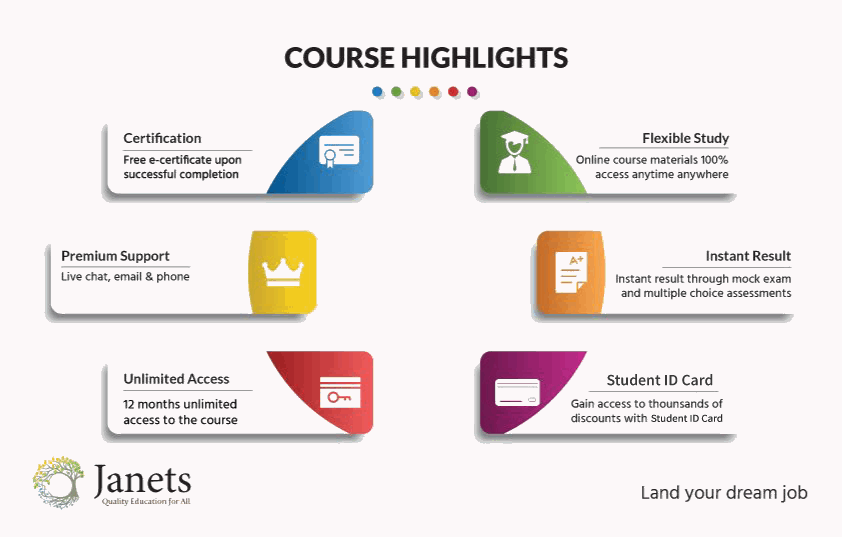
- Free PDF certificate upon successful completion of the course
- Full one-year access to course materials
- Instant assessment results
- Full tutor support available from Monday to Friday
- Study the course at your own pace
- Accessible, informative modules taught by expert instructors
- Get 24/7 help or advice from our email and live chat teams with the training
- Study at your own time through your computer, tablet or mobile device
- Improve your chance of gaining valuable skills by completing the course
CPD
Course media



Description
Course Design
You are taught through a combination of
- Online study materials
- Mock exams
- Multiple-choice assessment
**************** Course Modules ****************
Microsoft Excel 2019 New Features
- Introduction to Microsoft Excel 2019 New Features
- CONCAT
- IFS
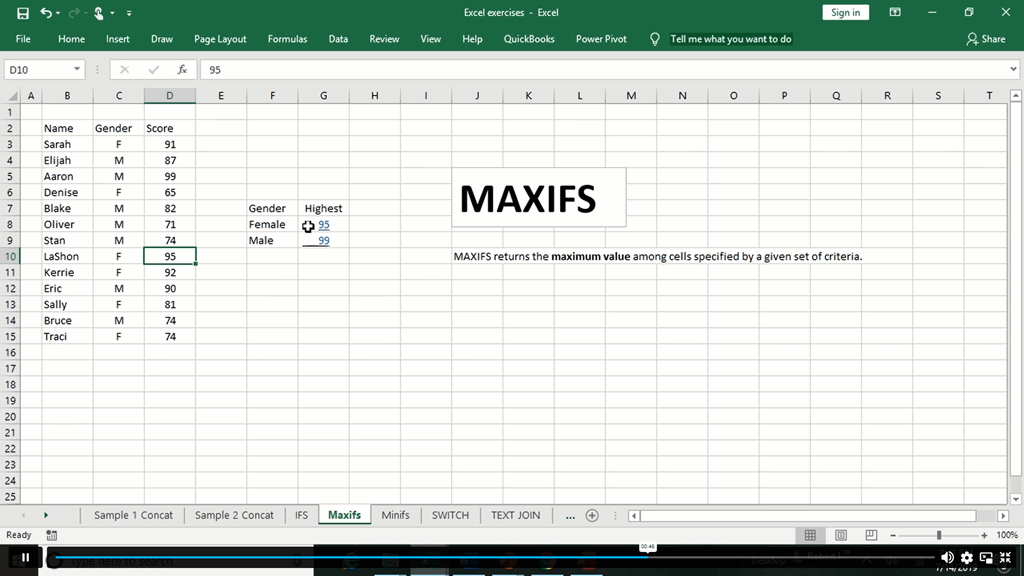
- MAXIFS
- MINIFS
- SWITCH
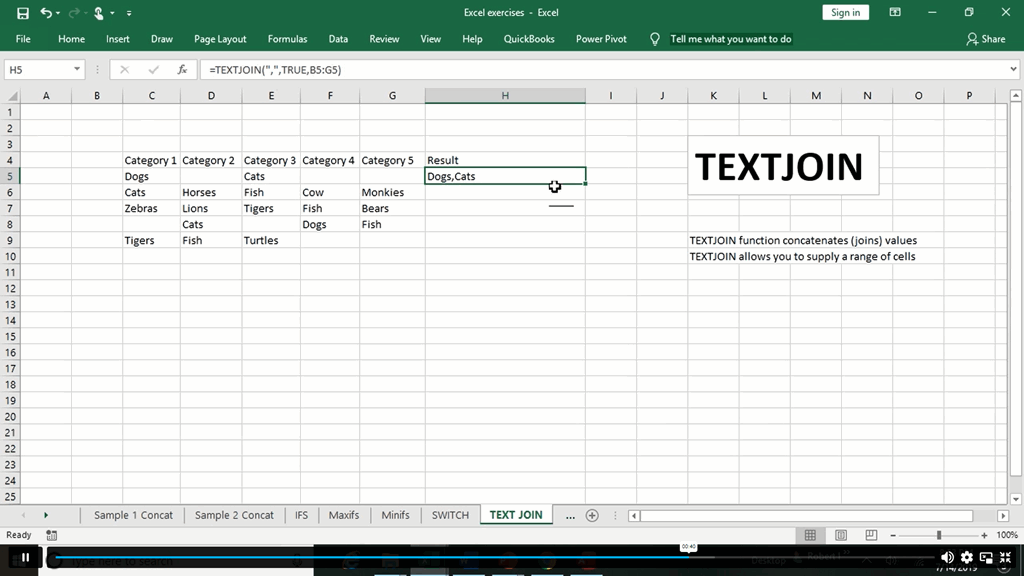
- TEXTJOIN
- Map Chart
- Funnel Chart
- Better Visuals
- Pivot Table Enhancements
- Power Pivot Updates
Getting Started with Microsoft Excel
- Navigate the Excel User Interface
- Use Excel Commands
- Create and Save a Basic Workbook
- Enter Cell Data
- Use Excel Help
Performing Calculations
- Create Worksheet Formulas
- Insert Functions
- Reuse Formulas and Functions
Modifying a Worksheet
- Insert, Delete, and Adjust Cells, Columns, and Rows
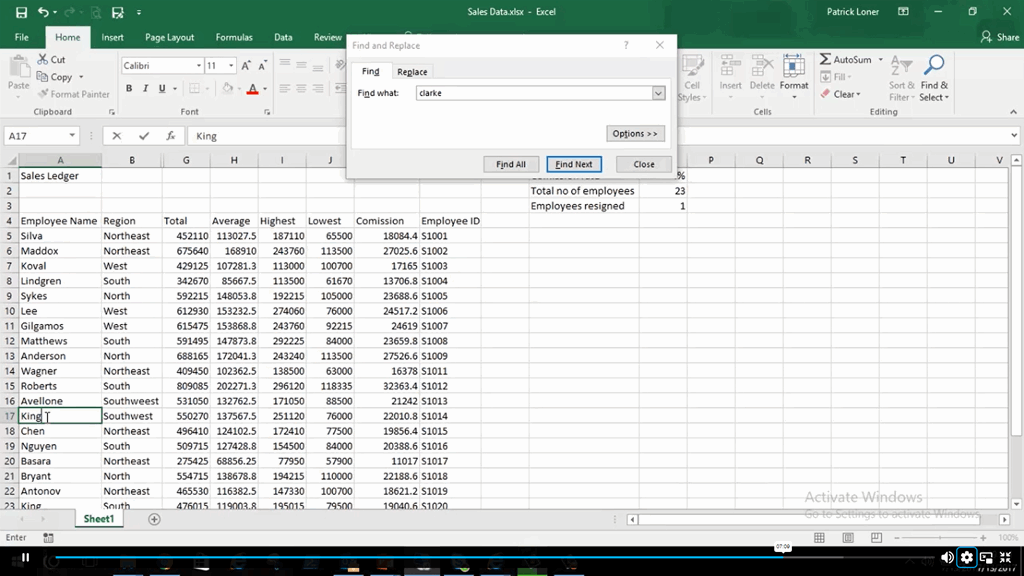
- Search for and Replace Data
- Use Proofing and Research Tools
Formatting a Worksheet
- Apply Text Formats
- Apply Number Format
- Align Cell Contents
- Apply Styles and Themes
- Apply Basic Conditional Formatting
- Create and Use Templates
Printing Workbooks
- Preview and Print a Workbook
- Set Up the Page Layout
- Configure Headers and Footers
Managing Workbooks
- Manage Worksheets
- Manage Workbook and Worksheet Views
- Manage Workbook Properties
Microsoft Word 2019
MS Word 2019 New Features
- Introduction to MS Word 2019 New Features
- Inking Tools
- Inking Tools 1
- Learning Tools
- Microsoft Translate
- LaTeX
- Smart Lookup
- Side to Side Scrolling
- Scalable Vector Graphics
Getting Started with Word
- Navigate in MS Word
- Create and Save Word Documents
- Manage Your Workspace
- Edit Documents
- Preview and Print Documents
- Customize the Word Environment
Formatting Text and Paragraphs
- Apply Character Formatting
- Control Paragraph Layout
- Align Text Using Tabs
- Display Text in Bulleted or Numbered Lists
- Apply Borders and Shading
Working More Efficiently
- Make Repetitive Edits
- Apply Repetitive Formatting
- Use Styles to Streamline Repetitive Formatting Tasks
Managing Lists
- Sort a List
- Format a List
Adding Tables
- Insert a Table
- Modify a Table
- Format a Table
- Convert Text to a Table
Inserting Graphic Objects
- Insert Symbols and Special Characters
- Add Images to a Document
Controlling Page Appearance
- Apply a Page Border and Color
- Add Headers and Footers
- Control Page Layout
- Add a Watermark
Preparing to Publish a Document
- Check Spelling Grammar and Readability
- Use Research Tools
- Check Accessibility
- Save a Document to Other Formats
Workbooks - MS Word 2016 (Beginner)
- Workbooks – MS Word 2016 (Beginner)
Microsoft PowerPoint 2019
MS PowerPoint 2019 New Features
- Introduction to MS PowerPoint 2019 New Features
- Highlighting
- Morph Transition
- Zoom
- Vector Graphics
- SVG Icons to Shapes
- 3D Modeling
- Background Removal
- 4K
PowerPoint Interface
- Navigate the PowerPoint Environment
- View and Navigate a Presentation
- Create and Save a PowerPoint Presentation
- Use PowerPoint Help
Presentation Basics
- Select a Presentation Type
- Edit Text
- Build a Presentation
Formatting
- Format Characters
- Format Paragraphs
- Format Text Boxes
Inserting Options
- Insert Images
- Insert Shapes
Working with Objects
- Edit Objects
- Format Objects
- Group Objects
- Arrange Objects
- Animate Objects
Table
- Create a Table
- Format a Table
- Insert a Table from Other Microsoft Office Applications
Charts
- Create a Chart
- Format a Chart
- Insert a Chart from Microsoft Excel
Review and Presentatin
- Review Your Presentation
- Apply Transitions
- Print Your Presentation
- Deliver Your Presentation
Microsoft Access 2019
MS Access 2019 New Features
- Introduction to MS Access 2019 New Features
- Window Resize
- Charts
- dbf
- Large Number
- Property Sorting
Introduction to Access
- Orientation to Microsoft Access
- Create a Simple Access Database
- Get Help and Configure Options in Microsoft Access
Modify Data
- Modify Table Data
- Sort and Filter Records
Working with Queries
- Create Basic Queries
- Sort and Filter Data in a Query
- Perform Calculations in a Query
Access Forms
- Create Basic Access Forms
- Work with Data on Access Forms
Working with Reports
- Create a Report
- Add Controls to a Report
- Enhance the Appearance of a Report
- Prepare a Report for Print
- Organize Report Information
- Format Reports
Certification
All students who successfully complete the course can instantly download their free e-certificate. You can also purchase a hard copy of the course certificate, which will be delivered by post for £9.99.
Who is this course for?
The course is ideal for those who already work in this sector or are an aspiring professional. This course is designed to enhance your expertise and boost your CV. Learn key skills and gain a certificate of achievement to prove your newly-acquired knowledge.
Requirements
The course is ideal for those who are interested or already working in this sector.
Career path
The course is ideal for anyone who wants to pursue their dream career in a relevant industry. Learn the skills you need to boost your CV and go after the job you want. Complete the course and gain an highly valuable skill that will help you excel in finding your ideal job.
Questions and answers
What's the actual duration of this Microsoft Office 2019 Course?
Answer:Hi Ava, Good morning. The approximate Microsoft Office 2019 course duration is 390 hours. However, you will get one-year access to the course upon purchasing. Therefore, you can complete it anytime within a year. Stay Safe.
This was helpful.How soon can I finish this Microsoft Office 2019 Training?
Answer:Hi Lisa, Good morning. The approximate Microsoft Office 2019course duration is 18 hours. However, you will get one-year access to the course upon purchasing. Therefore, you can complete it anytime within a year. Stay Safe.
This was helpful.What's the assessment method of this Microsoft Office 2019 course?
Answer:Hi Julia, Good morning. There will be two exams after completing the Microsoft Office 2019 course. A mock and a final exam. Both will be in MCQ based. You are also required to submit an assignment to obtain your certificate. Stay Safe.
This was helpful.
Reviews
Add to basket or enquire
Course provided by

Legal information
This course is advertised on reed.co.uk by the Course Provider, whose terms and conditions apply. Purchases are made directly from the Course Provider, and as such, content and materials are supplied by the Course Provider directly. Reed is acting as agent and not reseller in relation to this course. Reed's only responsibility is to facilitate your payment for the course. It is your responsibility to review and agree to the Course Provider's terms and conditions and satisfy yourself as to the suitability of the course you intend to purchase. Reed will not have any responsibility for the content of the course and/or associated materials.
