
Bookkeeping : Bookkeeper Training
24 Hour Flash Sale : Up to 98% Off | 4 in 1 Exclusive Bundle | PDF Certificate & Test Included
StudyHub
Summary
- Certificate of completion - Free
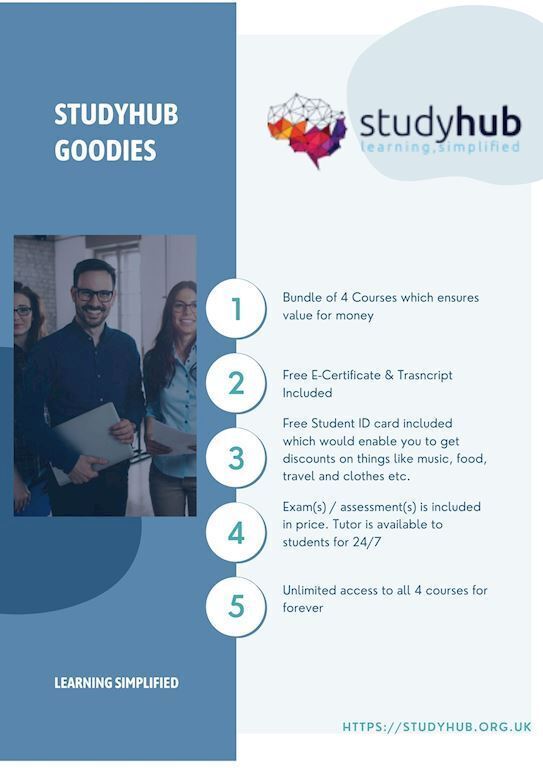
- Exam(s) / assessment(s) is included in price
- Tutor is available to students
Add to basket or enquire
Overview
Bookkeeping is a fascinating and in-demand profession. Bookkeepers deal with numbers and provide an important service to businesses and individuals worldwide. As a result, they are always in demand.
You may now enter this demanding sector by enhancing your skills through our 4-in-1 bundle on Bookkeeping: Bookkeeper Training course.
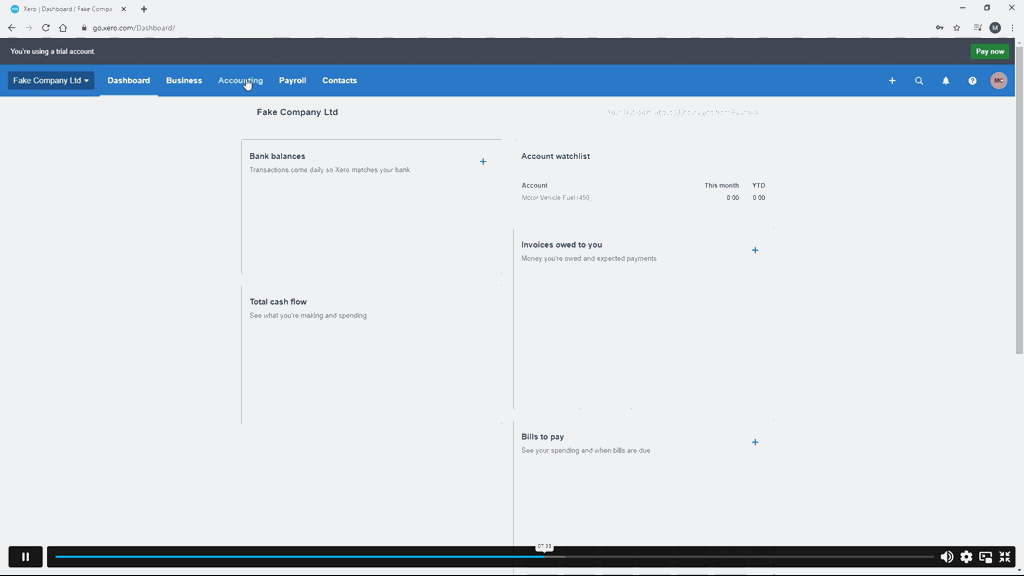
This course will teach you how to use Xero to manage your business accounting. It will walk you through the process of using Xero by focusing on the most common components that you must be familiar with as a Xero operator in order to be successful with the program. You will learn the fundamentals of invoices, sales, bills, and purchases, as well as how to design a Xero system from the ground up. Additionally, you will learn more about commodities, services, and bank accounts. You will also learn how to manage the payroll function and write off bad debts. Finally, you will learn how to create and examine your VAT returns.
So, what's keeping you waiting? Sign up as soon as possible to discover the duties of a bookkeeper.
Hope to see you inside!
Learning Outcomes
Upon successful completion of the Bookkeeping: Bookkeeper Training, you will be able to,
- Learn Xero at all levels, from beginner to expert.
- Learn how to transition from another platform, establish or import contacts, and enter financial data.
- Begin with bills, bank accounts, fixed assets, invoices, and other items immediately.
- Discover how to create petty cash and reconcile a bank account.
- Learn how to prepare and review your VAT returns before physically or electronically filing them.
This Bookkeeping : Bookkeeper Training Bundle consists the following Professional Career Oriented courses:
- Course 1: Xero Bookkeeping and Budgeting For Everyone
- Course 2: Sage 50 Accounts and Projects Creation Training
- Course 3: HR, Payroll, Paye, Tax, Accounting and Bookkeeping Diploma
- Course 4: Complete QuickBooks Bookkeeping with Excel and Xero Accounting
Why buy this Bookkeeping : Bookkeeper Training?
- Unlimited access to all 4 courses for forever
- Absolutely no hidden fees
- Immediately receive the PDF certificate after passing
- Easily learn the skills and knowledge from the comfort of your home
CPD
Course media




Description
Course Curriculum
***Bookkeeping : Bookkeeper Training***
**Xero Bookkeeping and Budgeting For Everyone**
Introduction
- Introduction
Getting Started
- Introduction – Getting Started
- Signing up to Xero
- Quick Tour of Xero
- Initial Xero Settings
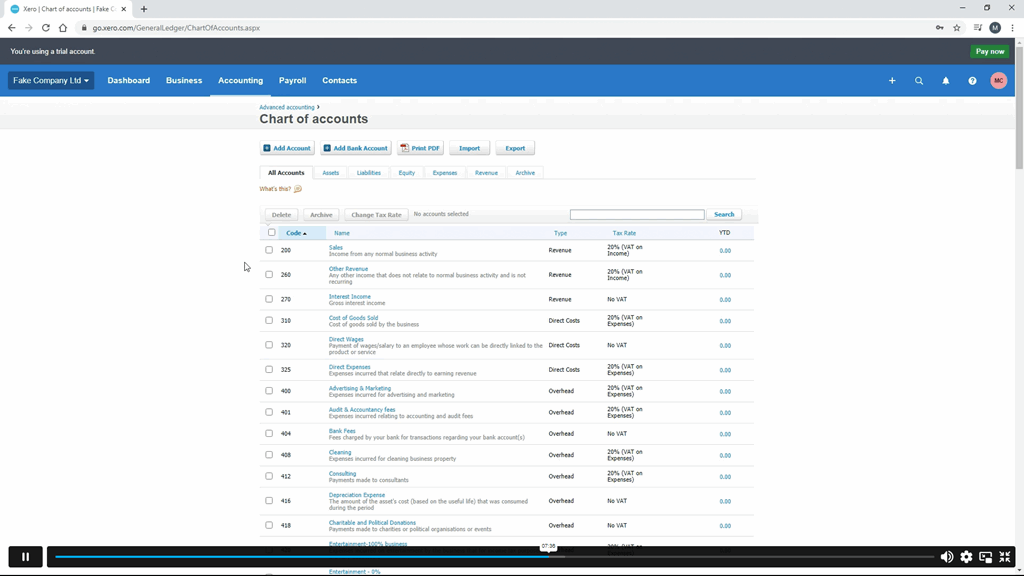
- Chart of Accounts
- Adding a Bank Account
- Demo Company
- Tracking Categories
- Contacts
Invoices and Sales
- Introduction – Invoices and Sales
- Sales Screens
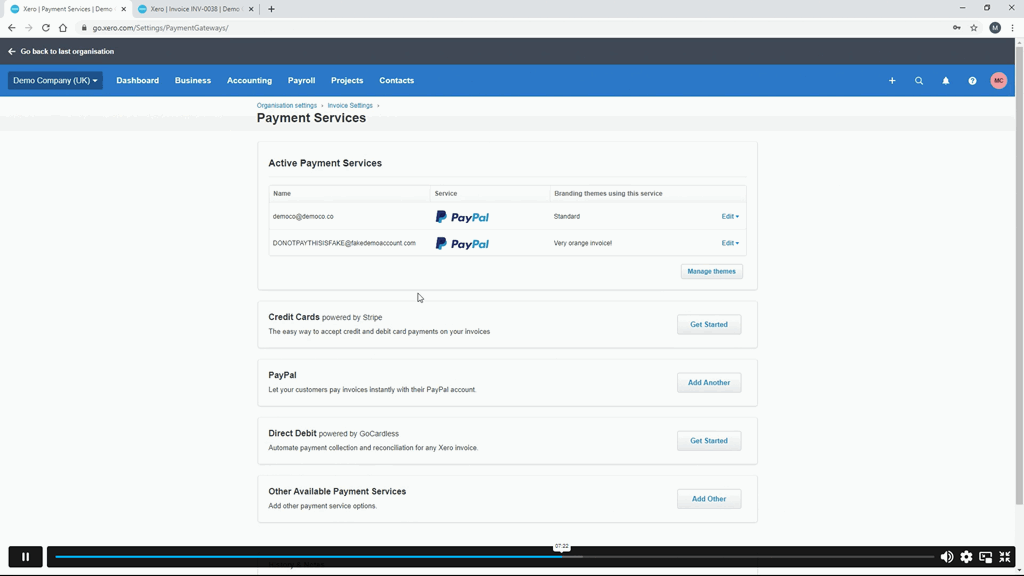
- Invoice Settings
- Creating an Invoice
- Repeating Invoices
- Credit Notes
- Quotes Settings
- Creating Quotes
- Other Invoicing Tasks
- Sending Statements
- Sales Reporting
Bills and Purchases
- Introduction – Bills and Purchases
- Purchases Screens
- Bill Settings
- Creating a Bill
- Repeating Bills
- Credit Notes
- Purchase Order Settings
- Purchase Orders
- Batch Payments
- Other Billing Tasks
- Sending Remittances
- Purchases Reporting
Bank Accounts
- Introduction – Bank Accounts
- Bank Accounts Screens
- Automatic Matching
- Reconciling Invoices
- Reconciling Bills
- Reconciling Spend Money
- Reconciling Receive Money
- Find and Match
- Bank Rules
- Cash Coding
- Remove and Redo vs Unreconciled
- Uploading Bank Transactions
- Automatic Bank Feeds
Products and Services
- Introduction – Products and Services
- Products and Services Screen
- Adding Services
- Adding Untracked Products
- Adding Tracked Products
Fixed Assets
- Introduction – Fixed Assets
- Fixed Assets Settings
- Adding Assets from Bank Transactions
- Adding Assets from Spend Money
- Adding Assets from Bills
- Depreciation
Payroll
- Introduction – Payroll
- Payroll Settings
- Adding Employees
- Paying Employees
- Payroll Filing
VAT Returns
- Introduction – VAT Returns
- VAT Settings
- VAT Returns – Manual Filing
- VAT Returns – Digital Filing
**HR, Payroll, Paye, Tax, Accounting and Bookkeeping Diploma**
- Module 01: Human Resource Management
- Human Resource Management
- Module 02: HR Planning, Recruitment and Selection
- HR Planning, Recruitment and Selection
- Module 03: Induction, Training and Development
- Induction, Training and Development
- Module 04: HR Department’s Responsibilities
- HR Department’s Responsibilities
- Module 05: The UK Recruitment Legislations Guide
- The UK Recruitment Legislations Guide
- Module 06: Organizational Culture
- Organisational Culture
- Module 07: Motivation, Counseling, Resignations and Retirement
- Motivation, Counseling, Resignations and Retirement
- Module 08: Performance Appraisal & Remuneration Policy
- Performance Appraisal
- Remuneration Policy
- Module 09: Records and Statistics
- Records and Statistics
- Module 10: Industrial Relations
- Industrial Relations
- Module 11: The UK Recruitment Industry Statistics
- The UK Recruitment Industry Statistics
- Module 12: Introduction to Payroll Management
- Introduction to Payroll Management
- An Overview of Payroll
- Module 13: The UK Payroll System
- Running the payroll – Part 1
- Running the payroll – Part 2
- Manual payroll
- Benefits in kind
- Computerised systems
- Total Photo scenario explained
- Module 14: Brightpay
- Brightpay conclude
- Find software per HMRC Brightpay
- Add a new employee
- Add 2 more employees
- Payroll settings
- Monthly schedule – Lana
- Monthly schedule – James
- Directors NI
- Reports
- Paying HMRC
- Paying Pensions
- RTI Submission
- Coding Notices
- Journal entries
- Schedule
- AEO
- Payroll run for Jan & Feb 2018
- Leavers – p45
- End of Year p60
- Installing Brightpay
- Module 15: Paye, Tax, NI
- PAYE TAX
- NI
- Pensions
- Online calculators
- Pay slips
- Journal entries
- Conclusion and Next Steps
- Conclusion and Next Steps
**Complete QuickBooks Bookkeeping with Excel and Xero Accounting**
- Getting prepared - access the software and course materials
- Getting started
- Setting up the system
- Nominal ledger
- Customers
- Suppliers
- Sales ledger
- Purchases ledger
- Sundry payments
- Sundry receipts
- Petty cash
- VAT - Value Added Tax
- Bank reconciliation
- Payroll / Wages
- Reports
- Tasks
Certification
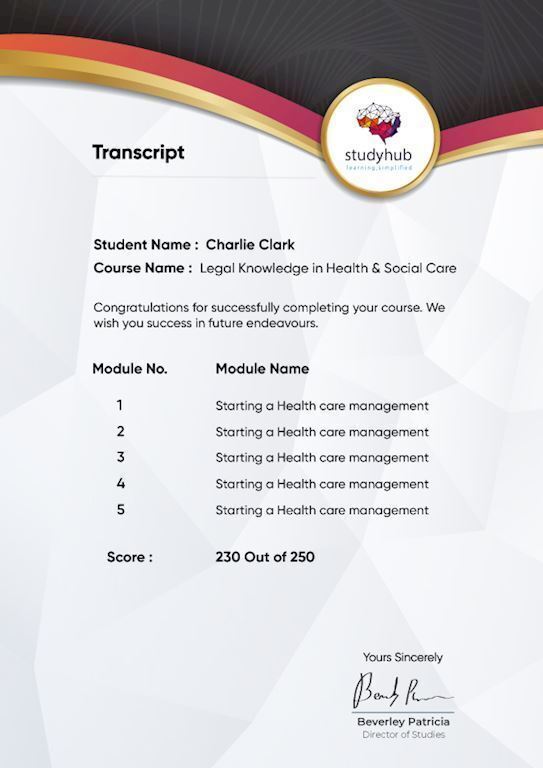
After studying the course materials of the Bookkeeping : Bookkeeper Training you will be able to take the MCQ test that will assess your knowledge. After successfully passing the test you will be able to claim the pdf certificate for free. Original Hard Copy certificates need to be ordered at an additional cost of £8.
Who is this course for?
- Small business owners and managers who are skilled in their industries yet desire a deeper knowledge of the fundamental fundamentals of managing their company's finances.
- Individuals who are just starting out on their bookkeeping adventure.
- Aspiring bookkeepers.
Requirements
This Bookkeeping : Bookkeeper Training was made by professionals and it is compatible with all PC’s, Mac’s, tablets and smartphones. You will be able to access the course from anywhere at any time as long as you have a good enough internet connection.
Career path
Bookkeeping: Bookkeeper Training is a complete bundle for people who want to work in the following fields.
- Bookkeeper
- Accounts Assistant
- Accountant
- Finance Administrator
In the United Kingdom, the typical annual income for these occupations is from £20,000 to £40,000.
Questions and answers
Currently there are no Q&As for this course. Be the first to ask a question.
Certificates
Certificate of completion
Digital certificate - Included
Reviews

Add to basket or enquire
Course provided by

Legal information
This course is advertised on reed.co.uk by the Course Provider, whose terms and conditions apply. Purchases are made directly from the Course Provider, and as such, content and materials are supplied by the Course Provider directly. Reed is acting as agent and not reseller in relation to this course. Reed's only responsibility is to facilitate your payment for the course. It is your responsibility to review and agree to the Course Provider's terms and conditions and satisfy yourself as to the suitability of the course you intend to purchase. Reed will not have any responsibility for the content of the course and/or associated materials.
